



Why Non-Profits Are Prime Targets for Ransomware—and How IT Support Reduces Risk
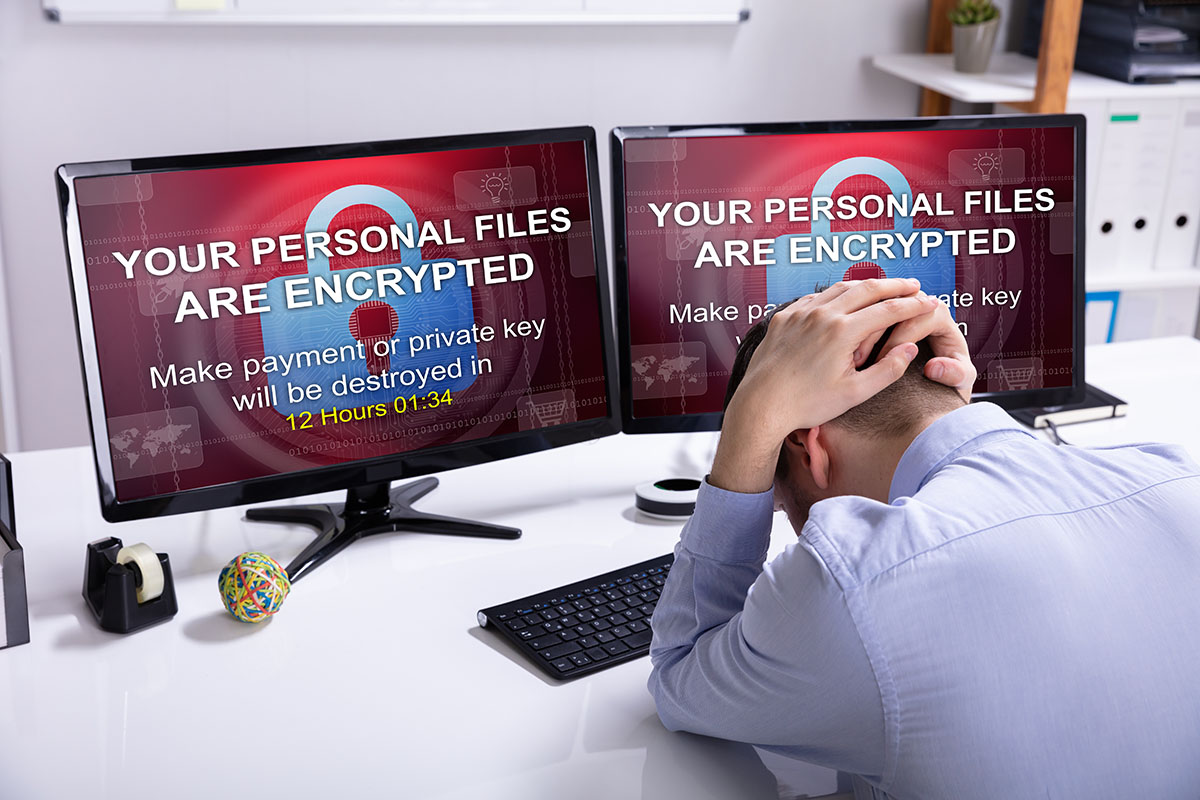

Cybercrime conjures images of sophisticated heists against big banks and multinational corporations. The reality is messier and far less selective: ransomware crews are opportunists who go after whoever has the weakest locks guarding the richest data. Groups like LockBit and Conti, two of the ransomware operations CISA has repeatedly flagged in its public advisories, don’t care whether the network behind the door belongs to a hospital chain or a five-person community shelter. Non-profits, as a sector, often check both boxes attackers look for: valuable information and thin defenses.
For a non-profit, reputation isn’t a marketing slogan; it’s the currency the organization runs on, built from the trust donors place in it, the confidence of the community it serves, and the belief that the mission is real and the money goes where it’s promised. A ransomware attack doesn’t just knock servers offline. It strikes directly at that foundation. And the data at risk usually sits in familiar places: donor management systems, where names, addresses, payment information, and years of giving history are bundled together in one attacker-friendly file. Understanding why non-profits draw this kind of attention is the first step toward leadership making deliberate security decisions instead of hoping nothing happens.
Why Non-Profits Are So Vulnerable
Seen through an attacker’s eyes, a non-profit checks nearly every box: valuable data, thin defenses, and a high likelihood of a fast payout. Here’s what specifically makes the sector such an appealing mark.
Start with the data. A typical donor database, whether it lives in Salesforce Nonprofit Cloud, Bloomerang, DonorPerfect, or a spreadsheet someone built a decade ago, holds names, home addresses, emails, payment details, and years of giving history. That’s precisely the kind of personal information that sells on dark-web marketplaces. Now layer on the budget reality: nonprofit IT security spending is commonly cited in the range of 1-2% of the technology budget, well under the 6% or more that regulated industries like healthcare and banking typically report. Valuable data sitting behind thin defenses is exactly the combination ransomware operators go looking for.
Then there’s urgency. A for-profit company can usually shrug off a few days of downtime and absorb the cost. A non-profit running a food bank, a shelter, or a counseling center doesn’t have that luxury; every hour offline can mean meals not served, beds not assigned, calls not answered. IBM’s Cost of a Data Breach report has put the average time to identify and contain a breach at around 277 days industry-wide, and even a fraction of that timeline is brutal for an organization running on weekly cash flow and volunteer schedules. Attackers know this. They’re counting on the pressure to restore services pushing leadership toward a fast ransom payment instead of a careful, considered response.
Then comes the threat of public shaming, probably the single most effective weapon in a ransomware crew’s arsenal. The pitch isn’t just “pay us and get your files back” anymore. It’s “pay us, or we publish your entire donor list online.” Security researchers trace this “double extortion” tactic back to the Maze ransomware group, which started posting stolen data on leak sites in late 2019 specifically to pressure victims who had working backups and no obvious reason to pay. For a non-profit, a leak like that doesn’t just embarrass; it can sour donor relationships for years and choke off the funding the organization depends on just to keep operating.
Most non-profits simply can’t carry a full-time, dedicated cybersecurity professional on staff. A qualified security analyst commands a salary often cited in the $75,000 to $110,000 range before benefits, which is more than many small organizations spend on their entire technology line item in a year. So the job lands on a well-meaning generalist juggling IT alongside fundraising or program work, or on an hourly consultant who shows up only once something is already on fire.
The Failure of the “Break-Fix” IT Model
That hourly, break-fix support model is exactly where things fall apart. It’s reactive by design. The consultant gets paid only once something has already broken, so there’s no incentive, and usually no budget, for the proactive monitoring, patching, and backup testing that actually heads off an incident.
Picture the invoice a break-fix IT vendor sends you: there’s never a line item for “Attack Prevented Today.” Their revenue depends on your emergencies, not your stability, and that’s a real conflict of interest. They have little reason to spend hours quietly applying security patches, verifying backups, or tightening firewall rules, because that unglamorous, invisible work is exactly what keeps you from ever needing to call them. Then, when an attack actually lands, you’re stuck with operational chaos and a surprise bill. Recovery costs for a small organization hit by ransomware are commonly estimated in the tens of thousands of dollars, and that’s before you tally the donor trust you lose along the way.
The Proactive Shield: Flat-Rate Managed IT
The fix is simple to describe, harder to find: flip the relationship from reactive to proactive. A flat-rate Managed IT Services (MSP) arrangement ties the provider’s incentives to your organization’s actual goals, you pay one predictable monthly fee, and in return you get full-time IT management and security coverage instead of pay-by-the-emergency triage. For context, flat-rate MSP plans for small organizations are often priced somewhere in the $100-$200-per-user-per-month range, though many providers offer discounted nonprofit rates.
Round-the-clock monitoring does what it says: an MSP runs automated remote-monitoring tools, platforms like ConnectWise, Datto RMM, or NinjaOne are common choices, that watch your network continuously, flagging unusual login attempts, failed backup jobs, or odd traffic spikes long before they turn into a full-blown breach.
Patch management, keeping every piece of software current with the latest security fixes, sounds basic, but it’s one of the most commonly skipped chores in small IT shops. The 2017 Equifax breach, which exposed roughly 147 million people’s data, traced back to a known Apache Struts vulnerability that had a patch available for months before anyone applied it. An MSP automates this with tools such as Automox or ManageEngine Patch Manager Plus, so updates roll out on a schedule instead of whenever someone happens to remember.
Backup and disaster recovery is where the real test happens. A good MSP doesn’t just switch on a backup tool and walk away, they build a layered system (onsite snapshots, offsite or cloud copies through something like Datto, Veeam, or Acronis, and a written recovery plan) and then actually test the restores, ideally every month or quarter. If ransomware ever locks up your files, that groundwork means you can say no to the ransom and restore from a clean, recent backup instead, turning what could be a mission-ending event into a rough week rather than a closed door.
You also gain a team of security specialists who can help you roll out Multi-Factor Authentication (MFA) across email and donor databases, run phishing-simulation training, programs like KnowBe4 or Proofpoint are widely used for this, and walk your staff through what a scam email actually looks like before someone clicks the wrong link.
FAQs
Our budget is razor-thin already. How do we justify spending more on managed IT?
Start by renaming the line item in your head: this isn’t an “IT expense,” it’s a mission-continuity expense, the cost of keeping your doors open and your donors’ trust intact. Add up what a single ransomware incident actually costs, ransom payments, forensic recovery, legal fees, and the donors who quietly stop giving afterward, and you’re commonly looking at a total that runs into six figures for a small organization, often outweighing several years of flat-rate MSP fees combined. And if your nonprofit handles health information (subject to HIPAA) or processes donor payments by card (subject to PCI DSS), the stakes, and the potential fines, climb even higher. A predictable flat-rate bill protects your endowment from exactly that kind of overnight, catastrophic financial hit.
We already use cloud services like Microsoft 365, isn’t that secure enough on its own?
Cloud platforms like Microsoft 365 are genuinely solid on the infrastructure side, Microsoft pours enormous resources into protecting its data centers and network backbone. But security here runs on what’s called a “shared responsibility model”: Microsoft locks down the cloud itself, while you’re responsible for what happens inside your tenant, your data, your user accounts, your sharing settings. In practice, that means enforcing strong, unique passwords, turning on multi-factor authentication (Microsoft’s identity tool is now called Entra ID, formerly Azure AD), and configuring file-sharing permissions so a public link doesn’t leave donor records open to anyone who finds the URL. Most cloud security incidents actually trace back to the customer side, a weak password, a sharing link left open, MFA that was never switched on, rather than a failure in Microsoft’s infrastructure.
Our non-profit runs almost entirely on volunteers, how are we supposed to manage IT?
This is exactly the situation an MSP exists for. A volunteer who’s handy with computers can keep the printer running and reset the occasional password, but ransomware doesn’t wait for office hours, and it doesn’t care that your “IT person” also has a day job and a family to get home to. Hiring even one full-time IT staffer typically costs a small organization somewhere in the range of $60,000-$80,000 a year once you add salary and benefits, often more than a non-profit’s entire technology budget. A managed service provider gives you a team instead of a single point of failure: 24/7 monitoring, help-desk support, and security expertise for a flat monthly rate that usually comes in well below one in-house salary.
Will an MSP also train our staff on cybersecurity, or is it just about the technology?
Yes, and honestly, this might be the most important piece of the whole arrangement. Firewalls and antivirus software can’t stop someone from clicking a convincing fake invoice email; people are still the easiest way into an organization’s network. A solid managed security plan includes ongoing phishing simulations and security-awareness training, platforms like KnowBe4 and Proofpoint’s security awareness training are widely used for exactly this, where staff receive realistic test emails and short, specific coaching the moment they slip up.
Protecting Your Nonprofit’s Mission from Cyber Threats
A ransomware attack does more than lock up your files, board members start asking hard questions, donors quietly let their renewals lapse, and staff lose days or weeks rebuilding records instead of running programs. The trust your non-profit has spent years earning with donors and the community can take a real hit the moment a breach becomes public, and that kind of damage doesn’t show up on a balance sheet, but it shows up in next year’s fundraising totals.
A flat-rate managed IT service costs a predictable amount every month, which tends to be a lot easier on a non-profit budget than an unplanned recovery bill that can run into the tens of thousands of dollars even for a small organization.
If you’re ready to get serious about protecting your non-profit’s data, its reputation, and its ability to keep serving your community without interruption, reach out to Pacific Cloud Cyber for a security consultation.
Table of Contents
Browse More Topics
Eager to Learn More?

Cybersecurity
Browse Posts

Managed IT Services
Browse Posts

Business Productivity
Browse Posts

Tech Tips
Browse Posts