



The Invisible Perimeter: Why Your Office Wi-Fi Might Be Your Biggest Security Leak
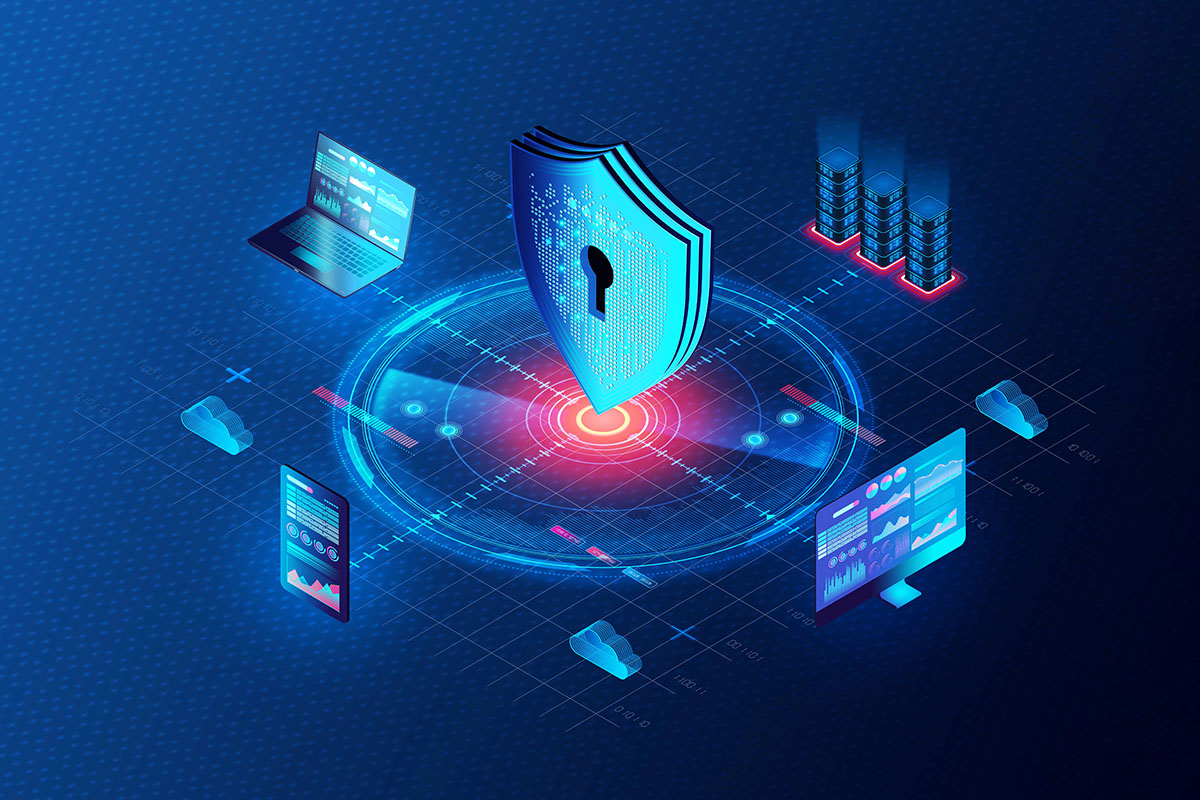

When business owners think about physical security, they think about deadbolts, alarm systems, and security cameras. We instinctively understand the need to protect our physical assets. Yet, when it comes to digital assets, many businesses leave the equivalent of a window wide open. That window is your wireless network.
Wi-Fi has transformed the way we work, untethering us from desks and allowing for collaboration in conference rooms and common areas. However, unlike a wired connection which requires physical access to a wall jack, a Wi-Fi signal bleeds through walls, windows, and doors. It extends out into the parking lot and the street.
This creates an “invisible perimeter.” If your Wi-Fi security is lax, a cybercriminal does not need to break into your building to steal your data. They can sit comfortably in a car across the street, intercepting passwords, financial data, and client information. Here’s how to determine if your network is exposing you to liability.
The “Evil Twin” and Rogue Access Points
One of the most deceptive methods hackers use to breach wireless networks is the “Evil Twin” attack. This involves setting up a malicious Wi-Fi access point that mimics your legitimate network.
If your business Wi-Fi is named “Company_Guest,” a hacker can set up a stronger signal nearby named “Company_Guest” or “Company_Free_WiFi.” Your employees’ or clients’ devices, always looking for a strong signal, might automatically connect to the hacker’s device instead of yours. Once connected, the attacker can use a “Man in the Middle” attack to capture everything sent over that connection, including login credentials for email and banking sites.
The Fix:
Enterprise-grade Wireless Intrusion Prevention Systems (WIPS). Unlike consumer routers, business-class hardware can scan the airspace for these rogue access points. If it detects a device trying to mimic your network, it can alert your IT team or even automatically disconnect clients from the fake source.
The Threat of “Legacy” Hardware
Hardware does not last forever. In the world of networking, a router that is five years old is often considered ancient. The danger of old hardware is not just that it’s slow; it stops receiving security updates.
Router manufacturers eventually stop supporting older models. This is known as “End of Life” (EOL). When a new vulnerability is discovered by hackers, the manufacturer will patch the new models but leave the old ones exposed. If your business is running on a router you bought at an electronics store six years ago, it likely contains known security holes that act as a red carpet for attackers.
The Audit:
Check the make and model of your wireless access points. If the manufacturer no longer releases firmware updates for them, they must be replaced immediately.
Network Segmentation: The VLAN Solution
A flat network is a dangerous network. In a “flat” setup, every device connected to the Wi-Fi can talk to every other device. This means the smart thermostat, the guest’s iPad, and the CEO’s laptop are all in the same digital room.
If a hacker compromises a smart lightbulb (which typically has very weak security) on a flat network, they can use that foothold to jump over to your server or point-of-sale system.
The Fix:
Virtual Local Area Networks (VLANs). A secure Wi-Fi deployment uses VLANs to segregate traffic.
- VLAN 1: Corporate devices (Laptops, Servers, Printers).
- VLAN 2: IoT devices (Thermostats, Cameras, Smart TVs).
- VLAN 3: Guest traffic.
By using VLANs, you keep threats trapped in that specific segment and cannot reach your critical business data.
Weak Passwords and the “WPS” Vulnerability
We all know we should use strong passwords, yet many businesses still use their phone number or the business name followed by “123” as the Wi-Fi key. This makes it easy for employees to remember, but trivial for hackers to guess using “brute force” software that runs millions of combinations a minute.
Another often-overlooked risk is Wi-Fi Protected Setup (WPS). This is the feature that allows you to connect a device by pushing a button on the router. While convenient for home use, WPS has known security flaws that allow attackers to bypass the Wi-Fi password entirely.
The Audit:
Disable WPS in your router settings immediately. Ensure your Wi-Fi password is a complex string of random characters, and crucially, change it whenever an employee leaves the company. If an ex-employee still has your Wi-Fi password saved on their personal phone, your network is compromised.
FAQs
How do I know if someone is stealing my Wi-Fi?
The most common symptom is a sudden drop in internet speed. If your connection becomes sluggish for no reason, check your router’s “Client List.” This list shows every device currently connected. If you see unrecognized devices or more connections than you have employees, you likely have intruders. You should change the password immediately to boot them off.
Should I hide my Wi-Fi Network Name (SSID)?
This is a common myth. Hiding the SSID (making it so the network name doesn’t appear in the list) does not stop hackers. They have scanners that can easily see “hidden” networks. Furthermore, hiding the SSID can actually make your legitimate devices broadcast the name constantly trying to find it, which can track your employees’ movements. Strong encryption (WPA3) is far superior to hiding the name.
Is it safe to use the router my Internet Service Provider (ISP) gave me?
ISP-provided modems are generally fine for basic connectivity, but they often lack the advanced security features (like VLANs and advanced firewall rules) that a business needs. For a business environment, it’s highly recommended to put the ISP modem in “bridge mode” and install your own business-class firewall and wireless access points behind it.
What is WPA3 and do I need it?
WPA3 is the latest generation of Wi-Fi security protocol. It replaces WPA2, and offers much stronger protection against password-guessing attacks. If you’re buying new hardware today, you should absolutely make sure it supports WPA3. If you have existing hardware that supports it via a firmware update, turn it on.
Securing Your Network
Your Wi-Fi is more than just a convenience utility; it’s a core component of your business infrastructure. Treating it with the same seriousness as your physical locks and keys is integral.
If your network is running on old hardware, using a single password for everyone, or lacking proper segmentation, you’re operating at risk. At Pacific Cloud Cyber, we specialize in designing secure wireless environments. We can audit your current signal, identify rogue devices, and implement a segmented, encrypted network that keeps your data safe while keeping your team connected.
Table of Contents
Browse More Topics
Eager to Learn More?

Cybersecurity
Browse Posts

Managed IT Services
Browse Posts

Business Productivity
Browse Posts

Tech Tips
Browse Posts