



Seattle IT Automation: A Practical Employee Policy You Can Deploy Today
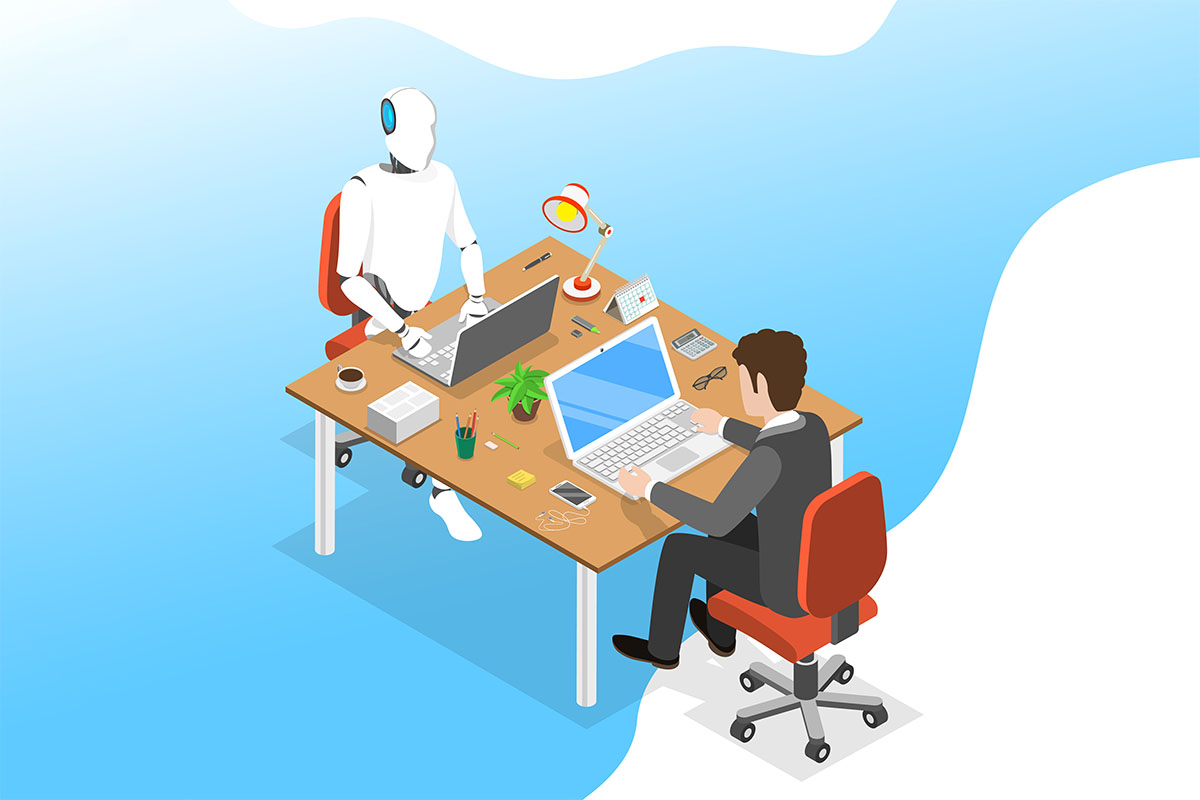

The adoption of generative AI tools like ChatGPT, Claude, and Copilot has moved at a pace rarely seen in the history of technology. Unlike complex enterprise software that requires IT implementation, these tools are accessible to anyone with a web browser, which makes them a natural fit for organizations already investing in Seattle IT automation.
As a result, employees across every department—from marketing to HR to coding—are already using them to draft emails, summarize documents, and write code.
For business owners, this presents a dilemma. Banning AI entirely means missing out on massive productivity gains and potentially falling behind competitors. However, allowing unrestricted access introduces significant risks regarding data privacy, intellectual property, and accuracy.
The question is no longer “should we use AI?” but “how do we govern it?” Ignoring the issue creates “Shadow AI,” an environment where employees use tools secretly and insecurely. To protect your business, you need a clear, enforceable Acceptable Use Policy (AUP) that establishes guardrails without stifling innovation or the benefits of outsourced IT in Seattle.
The Core Risks: Data Leakage and Hallucinations
Before drafting a policy, you must understand what you’re protecting against.
1. Data Privacy
The most critical risk is data leakage. Public AI models (like the free version of ChatGPT) “learn” from the data users input. If an employee uploads a confidential client list, proprietary source code, or internal financial projections into a public chatbot, that data potentially becomes part of the public training set. This could violate NDAs, GDPR, or HIPAA regulations.
2. Accuracy (Hallucinations)
AI models are prediction engines, not truth engines. They are prone to “hallucinations,” where they confidently state false information as fact. If an employee uses AI to draft a legal contract or technical manual without verifying the output, your business is liable for the errors.
3. Intellectual Property
Who owns the output? The legal landscape regarding copyright for AI-generated content is still evolving. Relying heavily on AI for creative assets or core software code could create ownership disputes down the road.
Drafting Your Policy: A Structural Template
A good AI policy is not a ten-page legal document that no one can get through. It should be a concise, practical guide for daily operations. Here is a good framework to build your own.
Section 1: Approved vs. Prohibited Tools
Explicitly state which tools are allowed.
Example: “Employees are permitted to use Microsoft Copilot (Enterprise Version) because it is covered by our corporate data agreement. The use of free, public AI tools for company business is prohibited.”
Section 2: Data Classification Rules
Define what data can be fed into the AI.
- Green Light: Public marketing copy, generic email templates, brainstorming ideas.
- Red Light: Personally Identifiable Information (PII), client names, financial data, passwords, and proprietary code.
Section 3: The “Human in the Loop” Requirement
Mandate human oversight.
Example: “AI-generated content must never be published, sent to a client, or executed as code without rigorous review by a qualified human employee. You are responsible for the accuracy of any output you use.”
Section 4: Transparency
Establish disclosure norms.
Example: “When AI is used to generate significant portions of a deliverable, it must be disclosed to the internal manager.”
Enterprise vs. Public Versions
The solution for many businesses is not to ban AI, but to pay for the secure version. Most major AI providers offer an “Enterprise” or “Team” tier.
These paid versions typically include a “zero data retention” policy, meaning the AI provider does not use your data to train their models. Investing in these licenses is often cheaper than the legal cost of a data breach. If you cannot afford enterprise licenses, your policy must be much stricter regarding what data is allowed on the platform.
FAQs
Can we detect if employees are using AI?
It’s difficult. While network monitoring can see traffic to AI websites, it cannot see what specific data was typed into the chat if the connection is encrypted (which it almost always is). Furthermore, AI detection software (for checking written content) is notoriously unreliable and produces many false positives. Policy and training are more effective than technical blocking.
Does using AI violate copyright laws?
This is a gray area. Currently, the US Copyright Office has stated that purely AI-generated works cannot be copyrighted. If your business relies on creating intellectual property (like a logo or a novel), using AI might mean you cannot legally own the result. Consult an IP attorney for your specific industry.
What if an employee accidentally uploads sensitive data?
Treat this as a security incident. The employee should report it to IT immediately. While you likely cannot “delete” the data from the AI’s memory instantly, IT can document the breach for compliance purposes and potentially contact the vendor for data removal requests if an enterprise agreement is in place.
4. Should we just block AI websites at the firewall?
You can, but it’s often a losing battle. Employees can simply access the tools on their personal smartphones. Blocking also signals a lack of trust and prevents legitimate productivity gains. It is usually better to provide a secure, sanctioned path for usage than to create an underground market for it.
Governance is an Ongoing Process
AI technology changes weekly. A policy written today might be obsolete in six months. Your strategy for IT consulting in Seattle WA must be a living document that is reviewed regularly.
The goal is to create a culture of “AI literacy.” By training your team on the risks and providing them with secure tools, you empower them to work faster while keeping the company safe. If you need assistance configuring enterprise AI settings or drafting a robust Acceptable Use Policy, Pacific Cloud Cyber can help you navigate this new technological frontier securely.
Table of Contents
Browse More Topics
Eager to Learn More?

Cybersecurity
Browse Posts

Managed IT Services
Browse Posts

Business Productivity
Browse Posts

Tech Tips
Browse Posts