



Hybrid IT in Vancouver: When It Still Makes Sense For Your Business
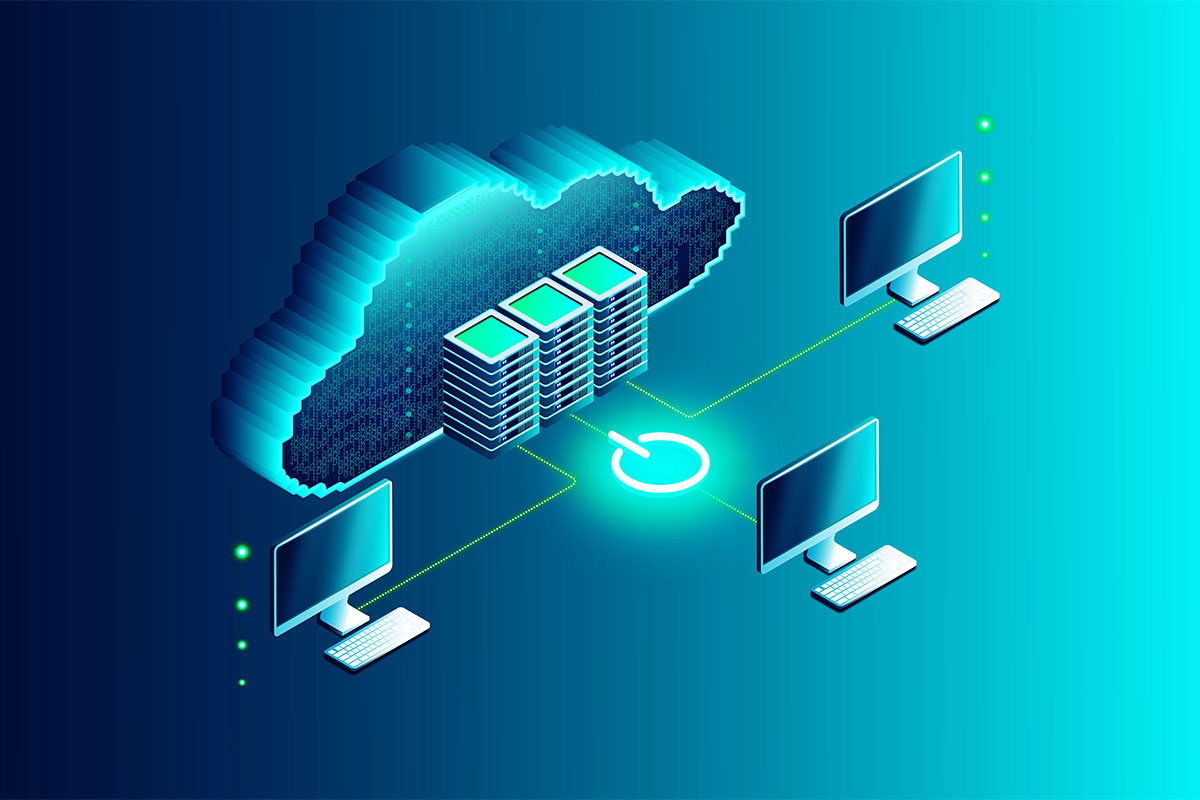

For the better part of the last decade, the overarching directive in the technology sector has been to “migrate to the cloud.” The promise was perfect: eliminate hardware costs, access data from anywhere, and scale infinitely with the click of a button. Now, the dust has settled on the cloud revolution, and a more nuanced reality has emerged.
While the cloud is undeniably a powerful tool for email, collaboration, and remote work, many businesses have discovered that a 100 percent cloud strategy is not always the most efficient or cost-effective model. We’re seeing a strategic shift toward “Hybrid IT.” This approach to IT management in Vancouver WA acknowledges that while some workloads belong in the cloud, others perform significantly better or are more secure when kept on physical hardware located within your own facility (on-premise).
The narrative has moved from “Cloud First” to “Cloud Smart.” At Pacific Cloud Cyber we have determined the right mix for businesses requires looking past the hype and analyzing the specific demands of your data, your budget, and your industry regulations, which is why many organizations now look for IT in Vancouver that aligns with their unique operational needs.
The Latency Factor: When Speed is Non-Negotiable
The cloud is essentially someone else’s computer. When you access a file from the cloud, that data has to travel from a data center potentially hundreds of miles away, through the public internet, to your device. For a Word document or a spreadsheet, this delay (latency) is imperceptible.
However, for data heavy industries, latency is a production killer.
Creative and Design
Graphic designers, video editors, and architects working with massive CAD or 4K video files cannot afford to wait for gigabytes of data to download and upload every time they hit save. An on-premise server allows these files to move over a local network at lightning speeds.
Manufacturing and Automation
In automated environments where machines rely on real time data to operate, a millisecond of internet lag can disrupt the production line. Local servers provide the instant response time required for operational technology.
In these scenarios like these, keeping the heavy data “at the edge” (in the office) while backing it up to the cloud offers the best of both worlds: local speed and offsite redundancy.
The Economics of Scale: Renting vs. Owning
In the early days of cloud adoption, the primary argument was cost savings. Why buy a $10,000 server when you can pay $200 a month for cloud storage?
The flaw in this logic becomes apparent over time. Cloud storage operates on a consumption model. You pay for every gigabyte you store and often for the data you retrieve (egress fees). As your business grows and your data accumulates, those monthly fees compound. Many mature businesses have realized that they have paid for that $10,000 server three times over in cloud subscription fees.
For “cold” data: archives, backups, and records that need to be kept but rarely accessed—local storage is often mathematically superior. Buying a high-capacity Network Attached Storage (NAS) device is a one-time capital expense (CapEx) that eliminates the perpetual monthly operating expense (OpEx) of renting space on Amazon AWS or Microsoft Azure.
Data Sovereignty and Compliance
For regulated industries, the cloud introduces complexity regarding data control. If you operate in defense, healthcare, or finance, you are bound by strict compliance standards (CMMC, HIPAA, FINRA).
While cloud providers offer compliant solutions, the “Shared Responsibility Model” means you’re still liable for how that data is accessed. Some contracts even require data to remain within specific physical borders or to be “air gapped” from the public internet entirely.
An on-premise server gives you absolute control. You know exactly where the hard drive is. You know exactly who has physical access to the room. For highly sensitive intellectual property or classified data, the physical security of an on-prem server provides a layer of assurance that a shared public cloud environment cannot replicate.
The Legacy Application Problem
Not all software is cloud ready. Many businesses rely on specialized, industry specific applications (ERPs, inventory management, or legacy accounting tools) that were written ten or fifteen years ago.
Trying to force these applications to run in a cloud environment often results in poor performance, glitches, and connection drops. “Lifting and shifting” a legacy app to the cloud can also be incredibly expensive compared to simply running it on the local hardware it was designed for. Until a true cloud native replacement is available or affordable, keeping a local server to host these critical applications is the most stable operational choice.
FAQs
What is Hybrid IT?
Hybrid IT is an infrastructure model that blends public cloud services (like Microsoft 365 or Google Workspace) with on-premise infrastructure (physical servers or storage). A common example is a company that uses the cloud for email and Teams, but keeps a physical server in the office for large design files and user authentication.
Is on-premise safer than the cloud?
Neither is inherently “safer” by default; they face different risks. The cloud has world class physical security but is a major target for remote hackers. On-premise servers are vulnerable to physical theft or local disasters (fire, flood) but can be completely isolated from the internet to prevent hacking. The safest strategy usually involves elements of both.
Do I need a full server room for Hybrid IT?
Not necessarily. Hardware has become much more compact and efficient. A powerful server can now be the size of a standard desktop tower. Unless you’re a massive enterprise, you likely do not need a climate-controlled data center in your office. A secure, well-ventilated closet or a small rack is often sufficient.
How does Hybrid IT handle backups?
Hybrid IT is excellent for disaster recovery. The standard best practice is the 3-2-1 rule: three copies of data, on two different media, with one offsite. In a hybrid setup, your primary data lives on the local server (for speed), and it automatically backs up to the cloud (for disaster recovery). This keeps your business working if the internet goes down, but your data is safe if the building burns down.
The “Cloud Smart” Approach to Infrastructure
The pendulum has swung back to the middle. The goal for 2026 is not to be fully cloud or fully on-premise, but to build an architecture that supports your business goals.
Hybrid IT allows you to customize your environment. You can leverage the cloud for its flexibility and collaboration tools while retaining on-premise Vancouver tech support for its speed, control, and long term cost efficiency. It’s a mature strategy for businesses that value performance over trends.
Navigating this mix requires a partner who understands both worlds. At PCC, we help businesses assess their workloads to determine exactly which applications belong in the cloud and which belong in the building, ensuring your IT infrastructure is optimized for your business and stays running.
Table of Contents
Browse More Topics
Eager to Learn More?

Cybersecurity
Browse Posts

Managed IT Services
Browse Posts

Business Productivity
Browse Posts

Tech Tips
Browse Posts